

A smart display can make a portable charger easier to manage, but only if you know what its numbers mean. A percentage, an input value, and an output value describe different parts of the charging process. Treating them as interchangeable can lead to wrong expectations about speed or remaining runtime.
This practical guide explains power bank display meaning in plain English. It also shows how to use the information as a planning tool without treating a changing screen value as a laboratory measurement or a guarantee.

Quick answer: what does a power bank display show?
Depending on the model and operating mode, a power bank display may show remaining battery percentage, whether energy is entering or leaving the battery, current port activity, charging power, temperature status, or an estimated time. Not every screen shows every item, so the product manual remains the source of truth for the icons and fields on a specific model.
The most useful distinction is simple:
- Battery percentage estimates how much stored energy remains.
- Input describes energy flowing into the power bank while it recharges.
- Output describes energy flowing from the power bank to a connected device.
- Time estimates, when available, are predictions based on the current load or charging rate.
Those values can change from minute to minute. A changing number is not necessarily a fault; it often reflects normal communication between the charger, cable, power bank, and connected device.
1. Battery percentage is an estimate, not a fuel gauge
The percentage is usually the first number people notice. It is best understood as the power bank's estimate of its remaining state of charge. It is more informative than a basic four-light indicator, but it is still calculated from battery voltage, current flow, temperature, and the device's battery-management system.
A displayed percentage may pause, fall faster under a heavy load, or adjust after the power bank rests. These changes can be normal. Battery voltage behaves differently under load than it does at rest, and the internal estimate may refine itself as conditions change.
For day-to-day planning, use broad zones instead of expecting every percentage point to equal the same amount of runtime:
- High reserve: enough headroom for planned work plus unexpected use.
- Mid reserve: review which devices actually need charging next.
- Low reserve: prioritize communication and essential work, then recharge when practical.
This approach is more reliable than assuming that 50% always means exactly half of the original operating time.
2. Input tells you how the power bank is recharging
When the power bank is connected to a wall charger, the input reading describes power moving into the battery system. Charging power is often expressed in watts. A watt is a rate, not a capacity: a higher input rate can reduce recharge time when every part of the charging chain supports it, but it does not increase the battery's stored capacity.
The actual input can be limited by the wall charger, USB-C cable, supported charging protocol, battery temperature, and state of charge. Many rechargeable batteries accept power differently near empty, through the middle of the charge, and near full. For that reason, a display may show a strong input earlier and a lower value as the battery approaches full.
If input appears lower than expected, check one variable at a time:
- Confirm that the wall charger supports the required USB-C Power Delivery profile.
- Use a cable rated for the intended power level.
- Connect the charger to the correct input-capable port or built-in cable.
- Disconnect other loads temporarily to see whether power distribution changes.
- Allow the battery to return to a normal room-temperature range before testing again.
Do not use a single momentary reading to diagnose a charger. Observe the value for several minutes under stable conditions.
3. Output shows what the connected device is requesting
An output reading represents the rate of energy delivered to connected equipment. The connected device controls much of this process. A laptop may request more power while working and less while asleep. A phone may charge quickly at a lower battery level, then reduce its request as it approaches full or as temperature rises.
That means a power bank capable of high output will not force maximum power into every device. The charger and device negotiate a compatible level. Port limits, cable capability, battery condition, software settings, and simultaneous charging can all affect the visible result.
When several devices are connected, do not assume that the advertised total output is available from every port at the same time. Products distribute power according to their port rules. Check the product page or manual for the supported single-port and multi-port combinations.

4. Why the displayed wattage moves up and down
Power is dynamic. A laptop opening an application, a phone turning on its screen, or a device entering a battery-protection phase can change demand immediately. Small fluctuations are therefore expected.
Common reasons for changing output include:
- The connected device is changing its requested charging level.
- The device is nearly full and is tapering its charge.
- Several ports are sharing the available output.
- The cable or adapter supports a lower power profile.
- Temperature management is reducing the charging rate.
- The device alternates between active work and idle periods.
Brief variation is different from repeated disconnection. If charging stops and restarts, inspect the connector fit, cable condition, port selection, and device compatibility. Stop using any battery or cable that is swollen, damaged, unusually hot, wet, or emitting an odor, and follow the manufacturer's support guidance.
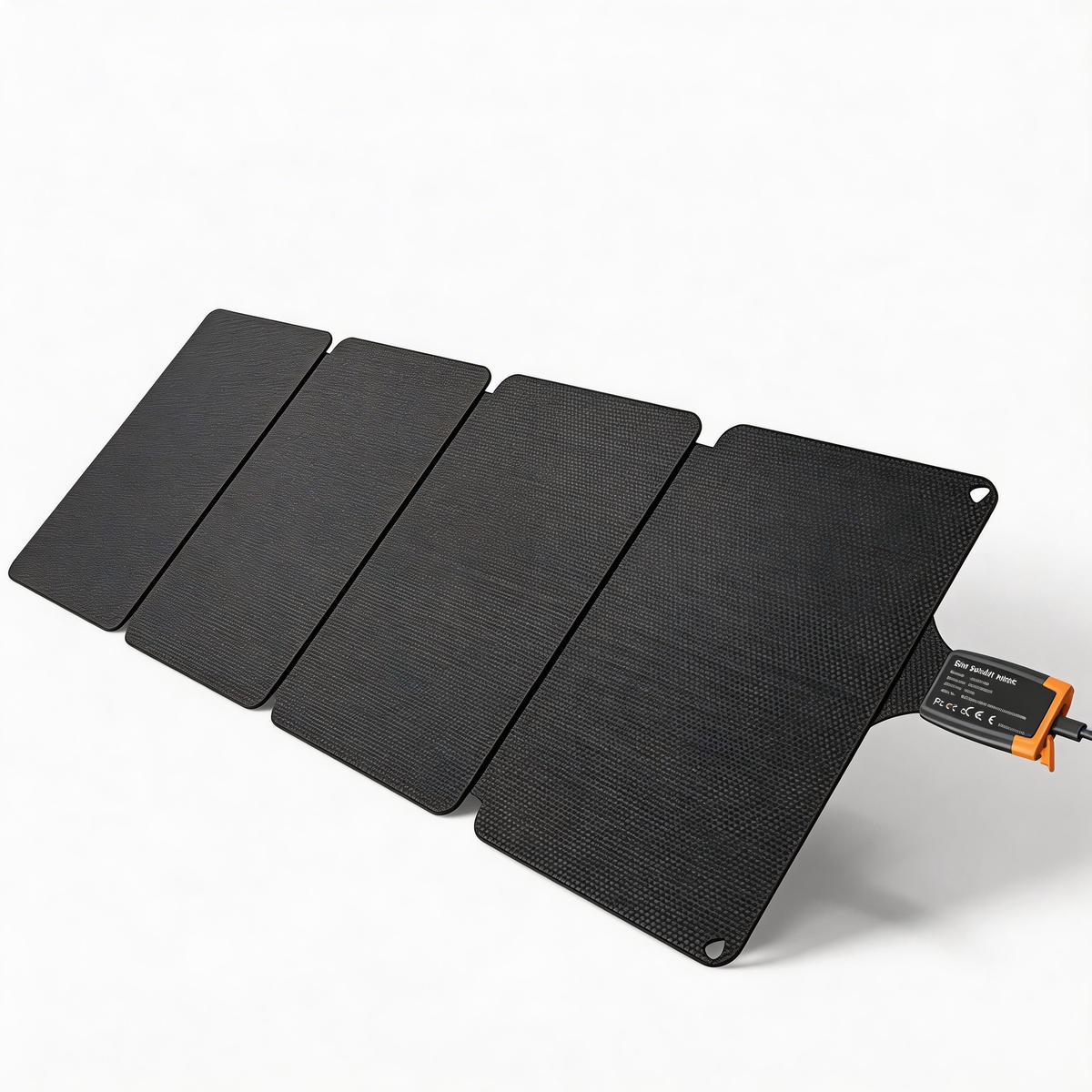
iFORWAY 36W Backpacking Solar Charger
At only 2.35 lb, this foldable USB-C solar charger is built to keep phones, power banks and everyday essentials powered when you're away from an outlet.
5. How to interpret a time-remaining estimate
Some smart displays estimate time to empty or time to full. Think of that value as a rolling forecast. It is based on the current rate, so it can change when the workload changes.
For example, a laptop may draw relatively little power while displaying a document and more while exporting video. An estimate calculated during the lighter task may shorten as soon as the heavier task begins. Similarly, an estimated recharge time may lengthen if the charger is also powering another device.
Use a time estimate to compare stable scenarios, not as a deadline. If a meeting, flight, or field job is important, keep a reserve instead of planning to use the final displayed minute.
6. A five-minute display check before leaving
A short check can reveal more than repeatedly glancing at the percentage during the day:
- Charge the power bank with the charger and cable you plan to carry.
- Confirm that the display recognizes incoming power.
- Disconnect the charger and connect the highest-priority device.
- Verify that charging starts and remains stable for several minutes.
- If you will use multiple devices, connect them in the intended order and observe how the readings change.
- Pack the power bank so its button, ports, and cable ends are protected from accidental damage.
This is a compatibility and workflow check, not a performance test. It does not predict exact runtime, but it can help you catch a wrong cable, wrong port, or unsupported charging setup before you need it.
Where the iFORWAY PB02 fits
The iFORWAY PB02 25,000mAh 170W power bank combines a high-capacity portable format, built-in cable design, and a circular smart display area. Its display is most useful when you treat it as a live status tool: check remaining reserve, confirm that charging has started, and watch how the reading responds when your setup changes.
Review the product page and manual for the exact screen fields, port combinations, supported charging profiles, and current availability. If you are comparing a power bank for laptop work, also check the input requirement printed on your laptop adapter; capacity and maximum output answer different questions.
Frequently asked questions
Does a higher wattage number mean the battery has more capacity?
No. Watts describe the current rate of power transfer. Battery capacity is an energy quantity, commonly shown in watt-hours or milliamp-hours with a stated voltage.
Why does output fall when my phone is nearly full?
Phones commonly reduce charging power as the battery approaches full or when thermal and battery-protection controls call for a slower rate. The exact behavior depends on the phone.
Is a changing display percentage a sign of damage?
Not by itself. The estimate can adjust under different loads and temperatures. Stop using the product if you observe physical damage, swelling, smoke, odor, liquid exposure, or abnormal heat.
Can I compare two chargers by looking at one instant on the display?
A longer observation under the same conditions is more useful. Keep the device, battery level, cable, port, workload, and temperature as consistent as possible.
Should I expect the maximum rated output all the time?
No. Maximum output is a capability under supported conditions. The connected device requests power, and the actual rate can be limited by the device, cable, protocol, temperature, battery level, and use of other ports.
Final takeaway
The best way to understand a power bank display is to read it as a set of clues. Percentage estimates stored energy, input describes recharging, output describes the connected load, and time remaining is a changing forecast. Use those clues together, keep a practical reserve, and verify your real charging setup before an important day.
Explore the iFORWAY PB02 specifications and check current availability.
0 comments